When you install a Shopify integration — whether it syncs orders to a marketplace, creates invoices in your bookkeeping software, or triggers print jobs — there is a piece of invisible infrastructure doing the heavy lifting behind the scenes: webhooks. Most merchants never think about them, and that is by design. A well-built webhook system works silently and reliably. A poorly-built one silently loses your data. This article explains what webhooks are, what goes wrong when they are not handled properly, and the practices we follow at SyncShopify to build integrations you can trust.
What Shopify webhooks are and why they matter
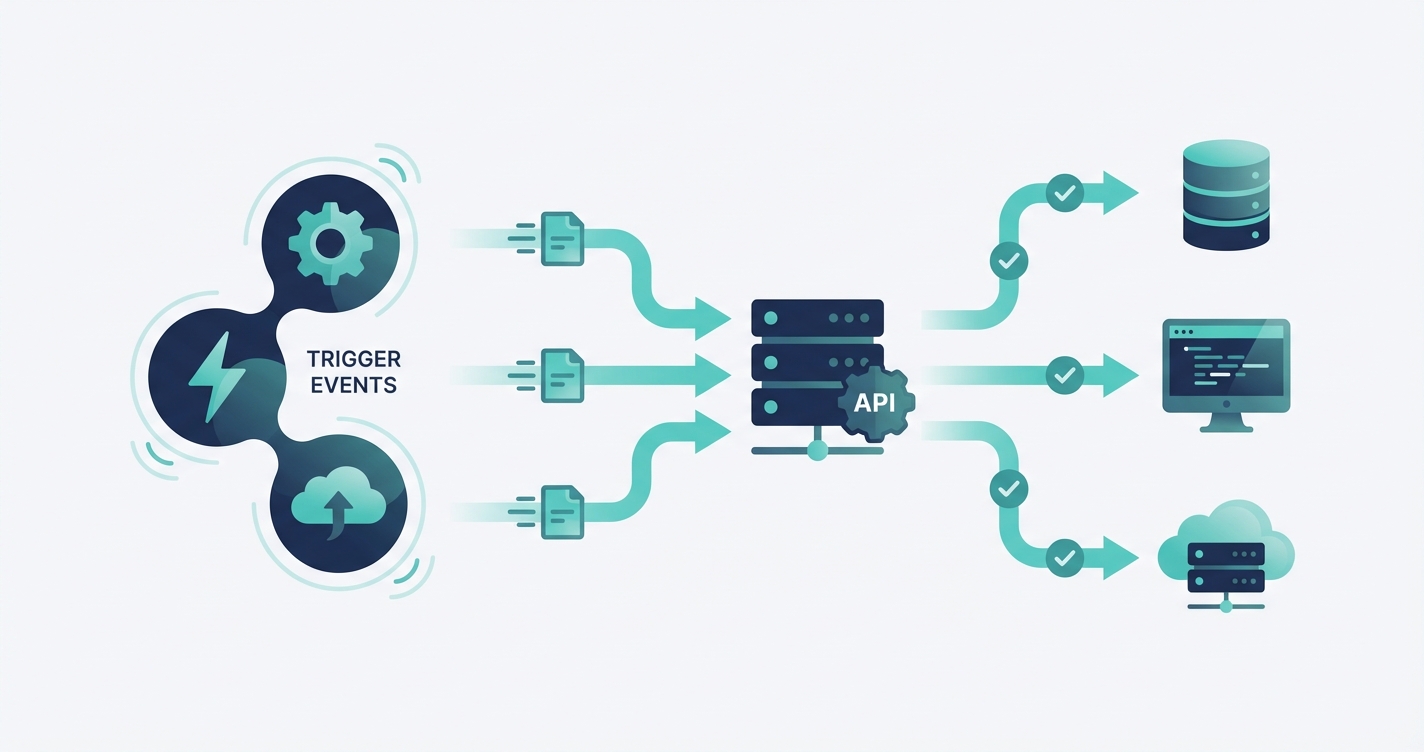
A webhook is essentially a notification that Shopify sends to an external system whenever something happens in your store. When a customer places an order, Shopify sends a webhook containing the full order details to any registered listener. When inventory changes, a webhook fires. When a product is updated, another webhook. These real-time notifications are what make instant synchronization possible.
Without webhooks, integrations would need to constantly poll the Shopify API — checking every few seconds whether anything changed. That approach is slow, wasteful, and quickly runs into Shopify's API rate limits. Webhooks solve this by pushing information the moment it happens, enabling true real-time integrations where your Bol.com listing updates within seconds of a Shopify inventory change, or an invoice appears in Moneybird moments after an order is placed.
Common webhook problems
Webhooks sound simple, but the reality of building reliable systems around them is anything but. Here are the problems that catch most integration developers off guard — and that directly affect merchants when they are not handled properly.
Missed deliveries
Shopify sends webhooks over HTTP, and HTTP requests can fail. Your server might be temporarily unavailable during a deployment. A network hiccup might drop the connection. A cloud provider might have a momentary outage. Shopify will retry failed deliveries, but only a limited number of times over a 48-hour window. After that, the webhook is gone. If your integration relies solely on webhooks with no fallback mechanism, missed deliveries mean missed orders, incorrect inventory, or missing invoices — and you might never know it happened.
Duplicate events
Shopify's retry mechanism means the same webhook can be delivered more than once. If your server received the webhook but responded too slowly, Shopify might assume delivery failed and send it again. Without proper handling, this results in duplicate invoices, double inventory adjustments, or duplicate print jobs. Your customer does not care about the technical reason — they just see two charges or two shipments.
Out-of-order processing
Webhooks do not always arrive in the order events occurred. A product update webhook might arrive before the product creation webhook. An order fulfillment notification might arrive before the order creation notification. If your integration processes events strictly in the order they arrive without checking the actual state, it can make decisions based on incomplete or outdated information.
Payload changes
Shopify occasionally modifies the structure of webhook payloads as the platform evolves. A field that was always present might become optional. A new field might appear. The format of a value might change. Integrations that are tightly coupled to a specific payload structure break when these changes occur, often silently — processing orders incorrectly rather than failing loudly.
Best practices we follow at SyncShopify
Every integration we build — BolSync, MoneybirdSync, SimplyPrintSync, and our custom solutions — follows the same set of practices to ensure webhooks are processed reliably, securely, and correctly.
Idempotent processing
Every webhook handler we build is idempotent, meaning processing the same event twice produces the same result as processing it once. When an order webhook arrives, the system checks whether that order has already been processed before taking any action. If it has, the duplicate is acknowledged and discarded. This sounds obvious, but implementing it correctly requires tracking every processed event and designing every operation to be safely repeatable. It eliminates the entire class of duplicate-event problems.
Immediate acknowledgment
When Shopify sends a webhook, it expects a response within a few seconds. If your server takes too long — perhaps because it is waiting for a third-party API call to complete — Shopify marks the delivery as failed and schedules a retry. Our systems acknowledge every webhook immediately upon receipt, then process it asynchronously in the background. This means Shopify always gets a fast response, and the actual processing can take as long as it needs without triggering unnecessary retries.
Retry handling and dead letter queues
Even with immediate acknowledgment, processing can fail. The external API might be down, a database might be temporarily unavailable, or the payload might contain unexpected data. Our systems automatically retry failed processing with exponential backoff — waiting progressively longer between attempts to avoid overwhelming a struggling service. If processing still fails after multiple retries, the event is moved to a dead letter queue where it is flagged for manual review. Nothing is silently lost.
HMAC verification for security
Every webhook Shopify sends includes an HMAC signature — a cryptographic hash that proves the webhook genuinely came from Shopify and has not been tampered with in transit. This is not optional for us. Every incoming webhook is verified against this signature before any processing occurs. Without HMAC verification, anyone who discovers your webhook endpoint could send fake events — creating phantom orders, manipulating inventory, or triggering unauthorized actions in connected systems. It is a fundamental security measure that some integrations skip for convenience, creating a real vulnerability.
Monitoring and alerting
Reliable systems are not just well-built — they are well-watched. We monitor webhook processing in real time across all our integrations. If delivery rates drop, if processing errors spike, if a dead letter queue starts filling up, we are alerted immediately. This means we often know about and fix problems before merchants even notice anything is wrong. For our merchants, this translates to confidence that their integration is working even when they are not looking at it.
Need a custom integration for your Shopify store?
Scheduled syncs: the essential safety net
Here is something that separates solid integrations from fragile ones: we never rely solely on webhooks. Every integration we build includes scheduled synchronization that runs alongside the webhook-driven real-time sync. These scheduled syncs periodically compare the state of both systems and reconcile any differences.
Think of it as a safety net beneath the high wire. If a webhook is missed despite all the retry logic — perhaps because of a prolonged outage that exceeded Shopify's retry window — the scheduled sync catches the discrepancy and corrects it. If an edge case in the webhook processing causes an event to be handled incorrectly, the scheduled sync detects the inconsistency and resolves it.
Webhooks give you speed. Scheduled syncs give you certainty. The best integrations use both.
This dual approach means our merchants get the best of both worlds: real-time responsiveness for normal operations and guaranteed eventual consistency no matter what goes wrong. An order that arrives via webhook is processed in seconds. An order that somehow slips through the webhook system is caught and processed within minutes by the scheduled sync.
How this applies to real integrations
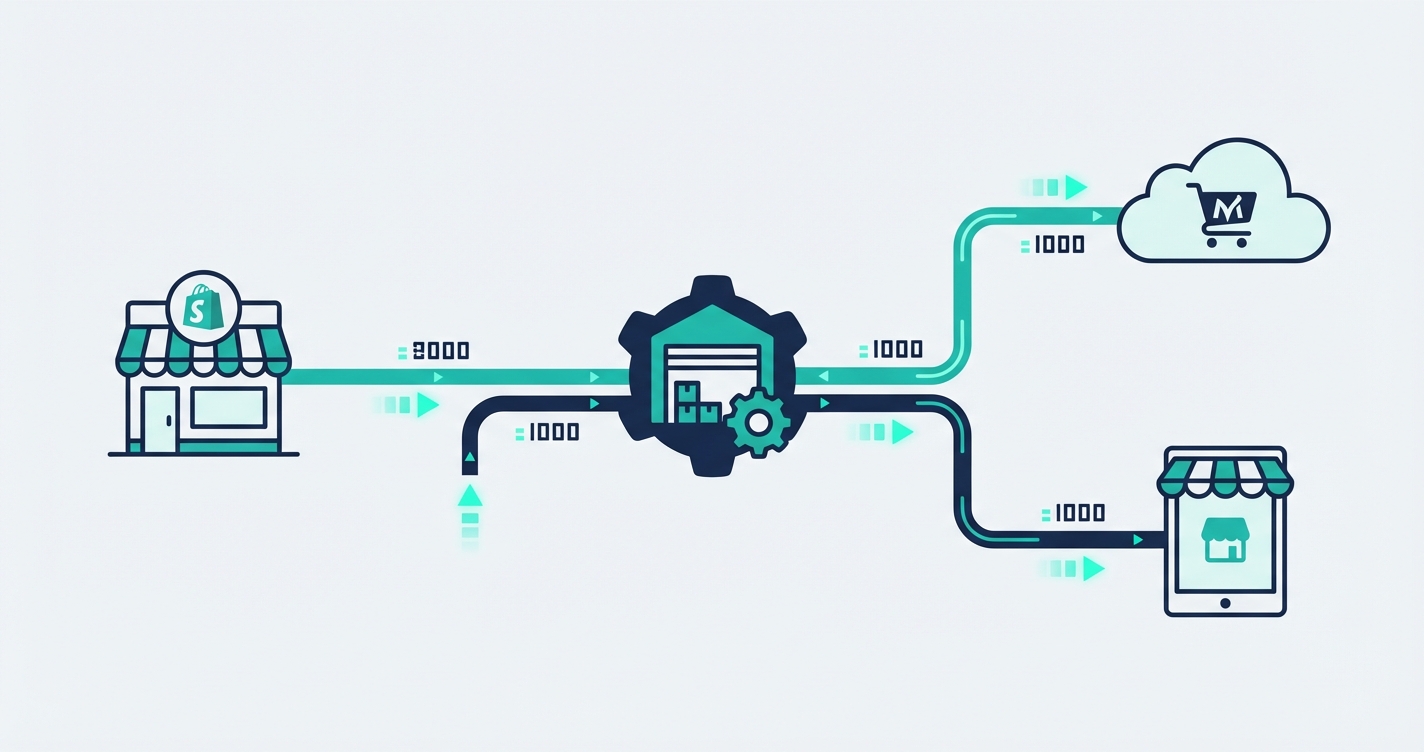
These practices are not theoretical — they are the foundation of every product we ship. In BolSync, webhooks drive the real-time inventory synchronization between Shopify and Bol.com. When stock changes in Shopify, Bol.com reflects the change within seconds. The scheduled sync runs alongside, ensuring that any edge case — a bulk import, a manual adjustment, a temporary API issue — is caught and reconciled automatically. For merchants selling on both platforms, this means their Bol.com listings never show stock they do not have.
In MoneybirdSync, order webhooks trigger immediate invoice creation in Moneybird. Idempotent processing ensures that even if Shopify sends the order webhook twice — which happens more often than you might expect — only one invoice is created. The dead letter queue catches the rare cases where Moneybird's API is temporarily unavailable, ensuring no invoice is ever silently lost.
The same patterns repeat across every integration we build. The specific business logic differs — order syncing, inventory management, print job creation — but the underlying webhook infrastructure is battle-tested and shared across all our products.
What this means for you as a merchant
You should not need to understand the technical details of webhook processing to run your store. But knowing that these practices exist — and that your integration provider follows them — gives you a way to evaluate the tools you depend on. When you are considering an integration, ask how it handles missed webhooks. Ask whether it has a fallback synchronization mechanism. Ask what happens when something goes wrong.
The answers will tell you a lot about whether that integration will be reliable at three in the morning when your biggest sale of the year is running and no one is watching the dashboard.
Want an integration built on these principles? Get in touch and we will build something you can rely on.